How to customize your background in Microsoft Teams
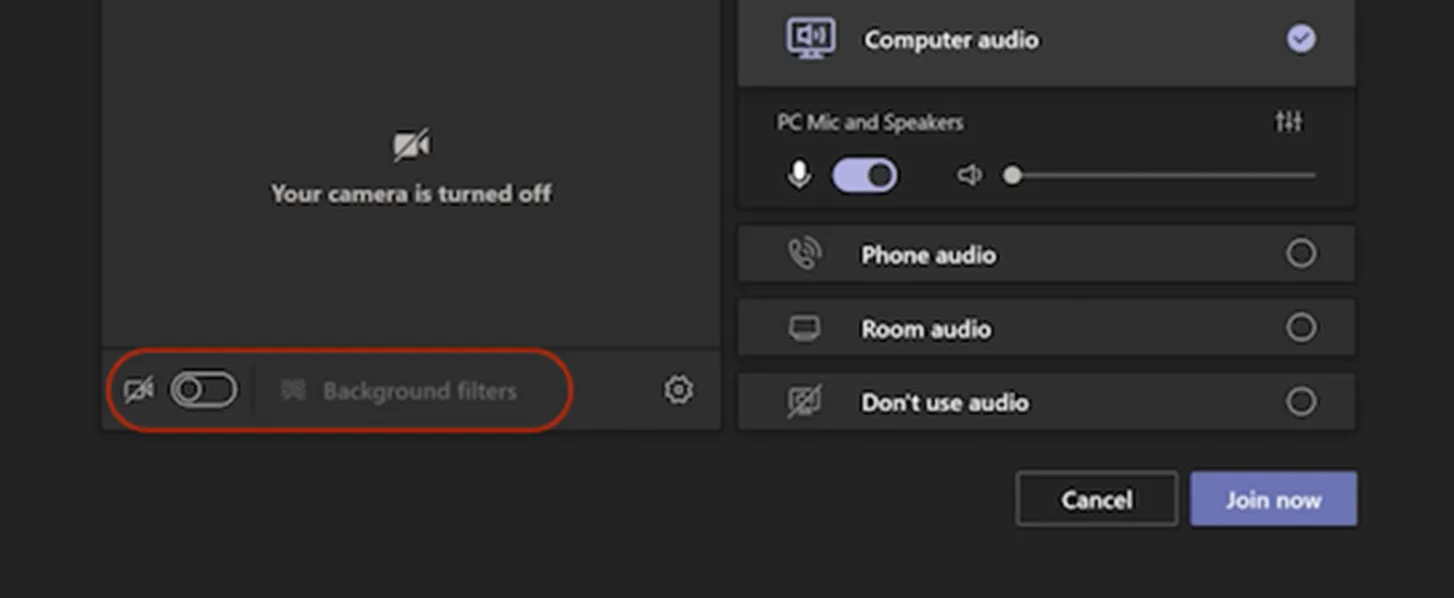
Change your background before a meeting starts
While you’re setting up your video and audio before joining a meeting, turn on your camera and select Background filters.
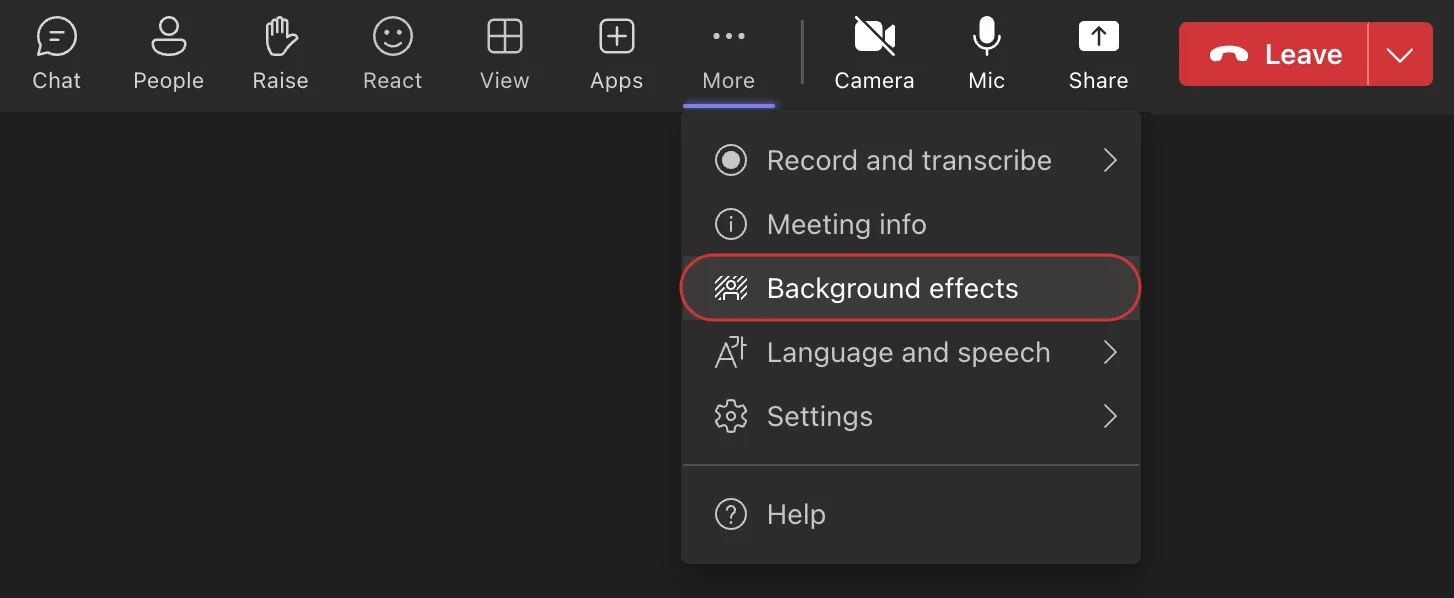
Change your background during a meeting
Go to the top of your meeting screen and select More actions (indicated by three dots), then Background effects.
Interested in creating a custom scene for Together mode? Learn more about designing a scene using Scene Studio